
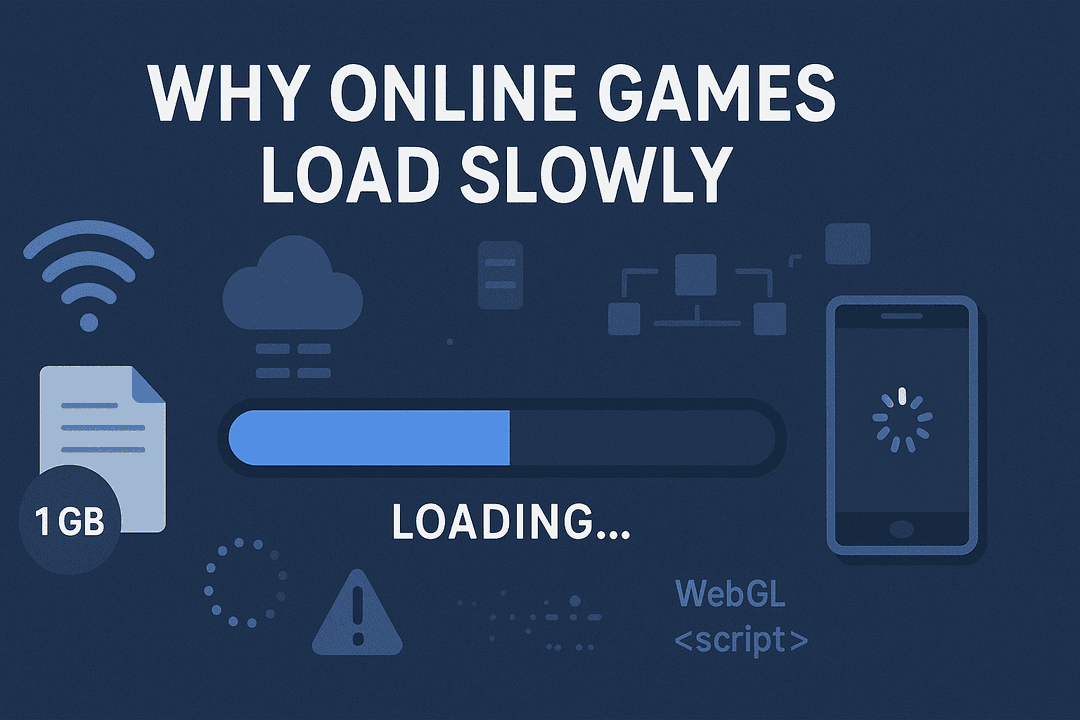
Why Online Games Load Slowly
Slow loading is one of the most frustrating issues gamers face, especially when playing online or browser-based games. Understanding what causes slow load times can help you solve the problem and enjoy smoother gameplay. Here are the most common reasons online games load slowly in 2025 and what you can do to fix them.
1. Slow Internet Connection
The most common reason is an unstable or slow network. Games need a consistent data flow to load assets, maps, and player information. Weak Wi-Fi signals or slow internet speeds can cause delays during loading.
2. High Game File Sizes
Modern games include detailed textures, sound files, and animations. These files take longer to download during the loading screen, especially if the game uses high-quality graphics.
3. Server Congestion
When huge collection of players connect at the same time, game servers may become overloaded. This causes delays in responding to game requests, resulting in slow loading.
4. Browser Cache Issues
For HTML5 games, cached data can become outdated or corrupted. This slows down loading as the browser struggles to process old files.
5. Old Devices or Low System Resources
Older smartphones or computers may struggle to load game resources quickly. Limited RAM or weak processors result in slower performance overall.
6. Background Processes
Running apps, downloads, or system updates in the background can reduce available bandwidth and processing power, causing longer loading times.
7. Heavy Scripts in Browser Games
Online games often run JavaScript and WebGL scripts. If these scripts are large or complex, they take more time to execute, especially on low-end devices.
8. Unoptimized Game Code
Some games are not well optimized. Large textures, inefficient code, or excessive third-party integrations can slow things down significantly.
9. CDN or Asset Delivery Issues
Games load assets (images, sounds, models) from servers. If a CDN (Content Delivery Network) is slow or experiencing issues, asset delivery delays lead to slow loading screens.
10. Browser Extensions or Add-ons
Ad blockers, script blockers, and security extensions can interfere with game files. They may block important scripts, slowing down or preventing loading entirely.
How to Improve Loading Speed
- Use a stable high-speed internet connection
- Clear browser cache regularly
- Close background apps
- Update your browser or device
- Disable heavy extensions temporarily
- Switch servers if the game supports multiple regions
By understanding these causes, players can take simple steps to reduce load times and enjoy faster, smoother online gaming sessions.